Best AI Oil Painting Generator: What to Look For Before You Upload

ImageToOilPainting Team
4/22/2026
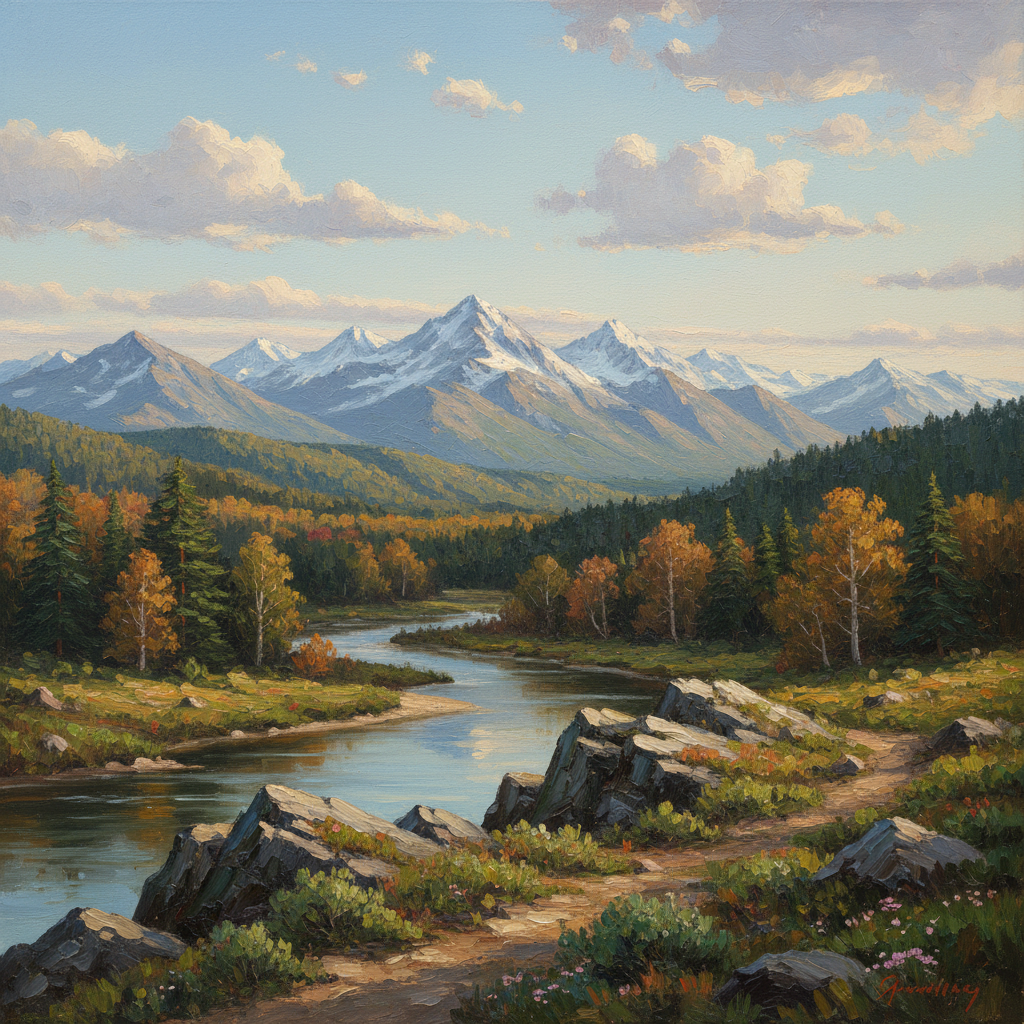
Not every AI art tool is good at oil painting.
Some tools produce nice-looking stylization, but the result still feels like a filter. Others push the image so far that the subject no longer looks like the original photo. If you are trying to choose the best AI oil painting generator, the question is not just "does it make art?" It is "does it create oil-painting-style results that are actually usable?"
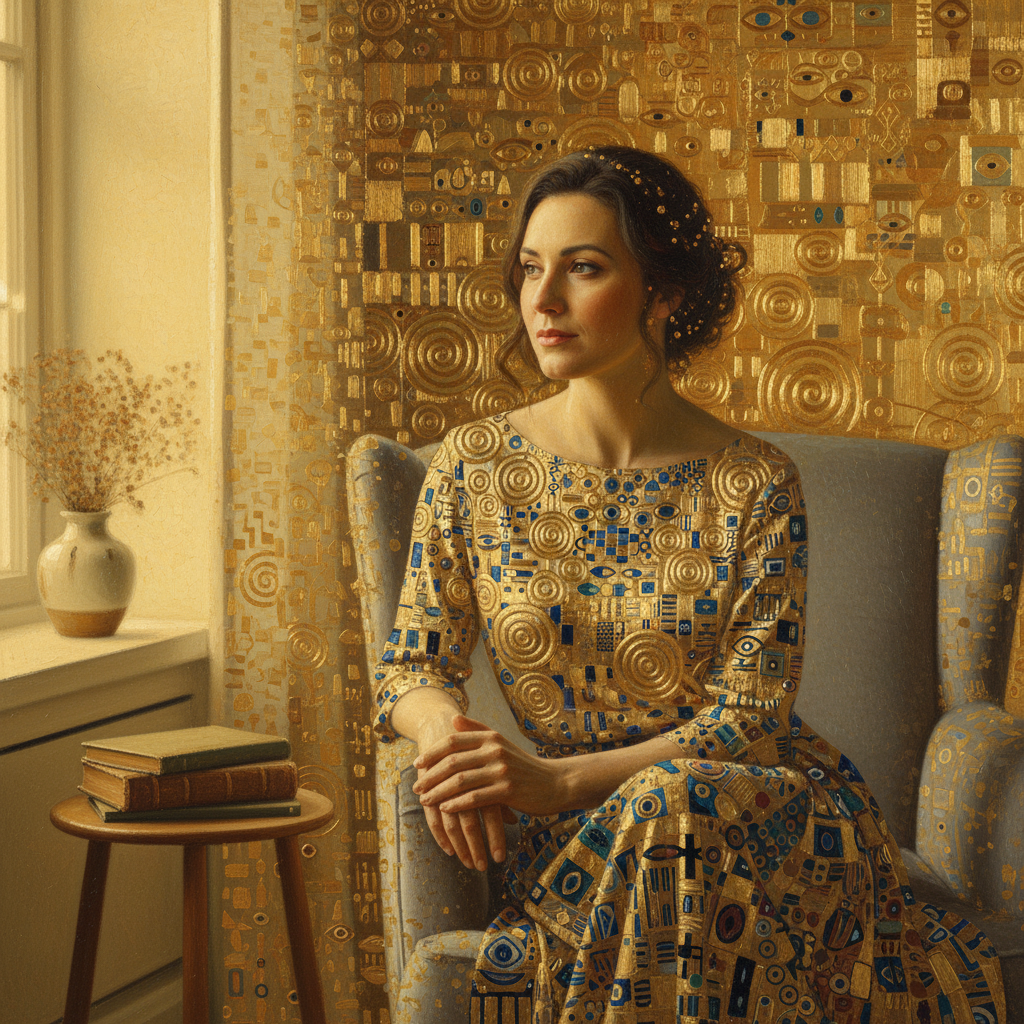
A strong generator should hold up across different subject types, not just one polished demo image.
What the Best AI Oil Painting Generator Should Do
A strong generator should keep three things in balance:
- the identity of the original image
- visible painterly texture
- a finished result that looks intentional, not accidental
That means the output should still feel connected to your source photo while clearly looking like painted art.
1. Look for Real Brush Texture
The first thing to check is whether the image actually looks painted.
Weak tools often:
- smooth the photo
- add fake canvas grain
- oversaturate colors
- blur edges and call it "art"
Better tools create:
- believable brush movement
- layered color blending
- a painted surface feel
- more depth in highlights and shadows
2. Check How It Handles Faces and Main Subjects
Portraits are a good test. If the face collapses, gets distorted, or loses structure, the generator is not reliable enough.
For pets and landscapes, the same rule applies: the tool should preserve the main subject while still translating it into oil painting style.
3. Compare Before-and-After Examples, Not Just Hero Mockups
A polished landing page is not proof. The better test is real before-and-after examples.
That is why the examples page matters more than a generic gallery. It shows whether the tool can consistently turn normal source images into painterly outputs that still feel usable.
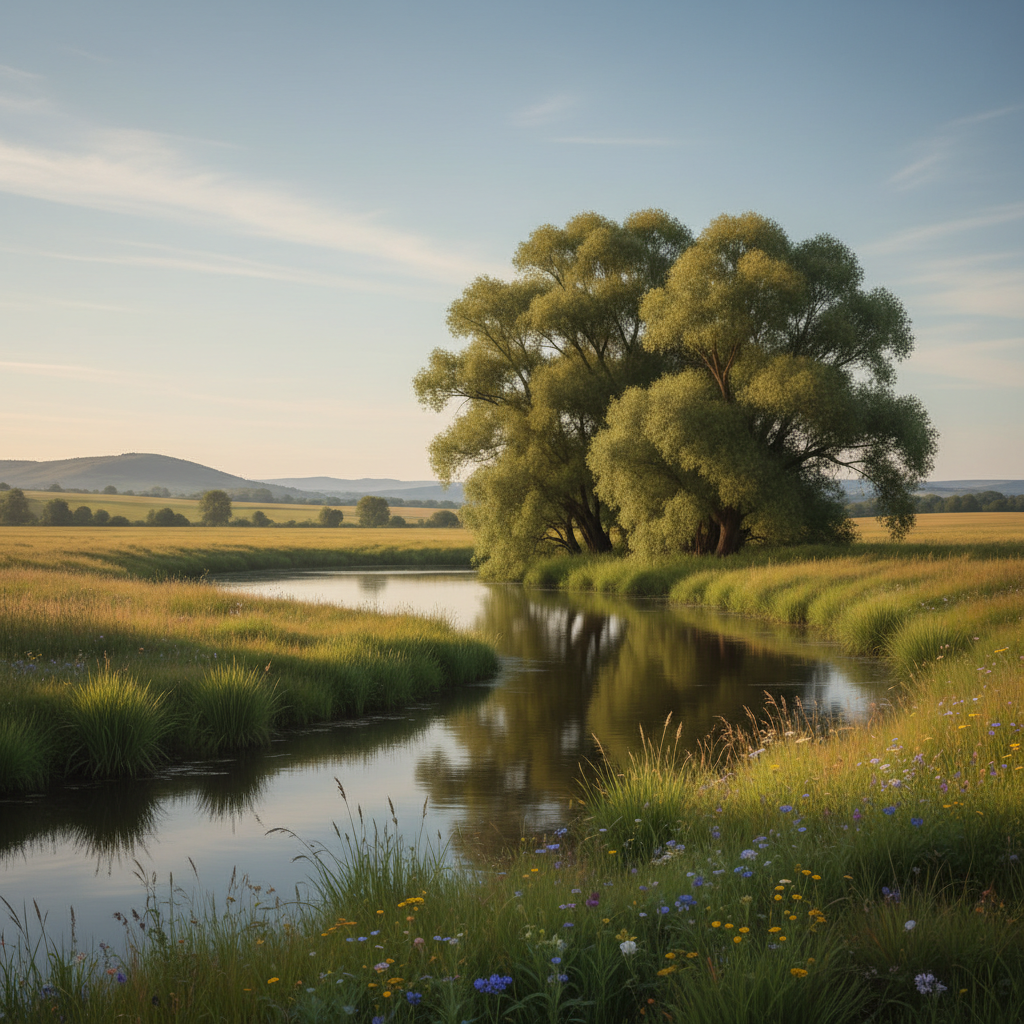
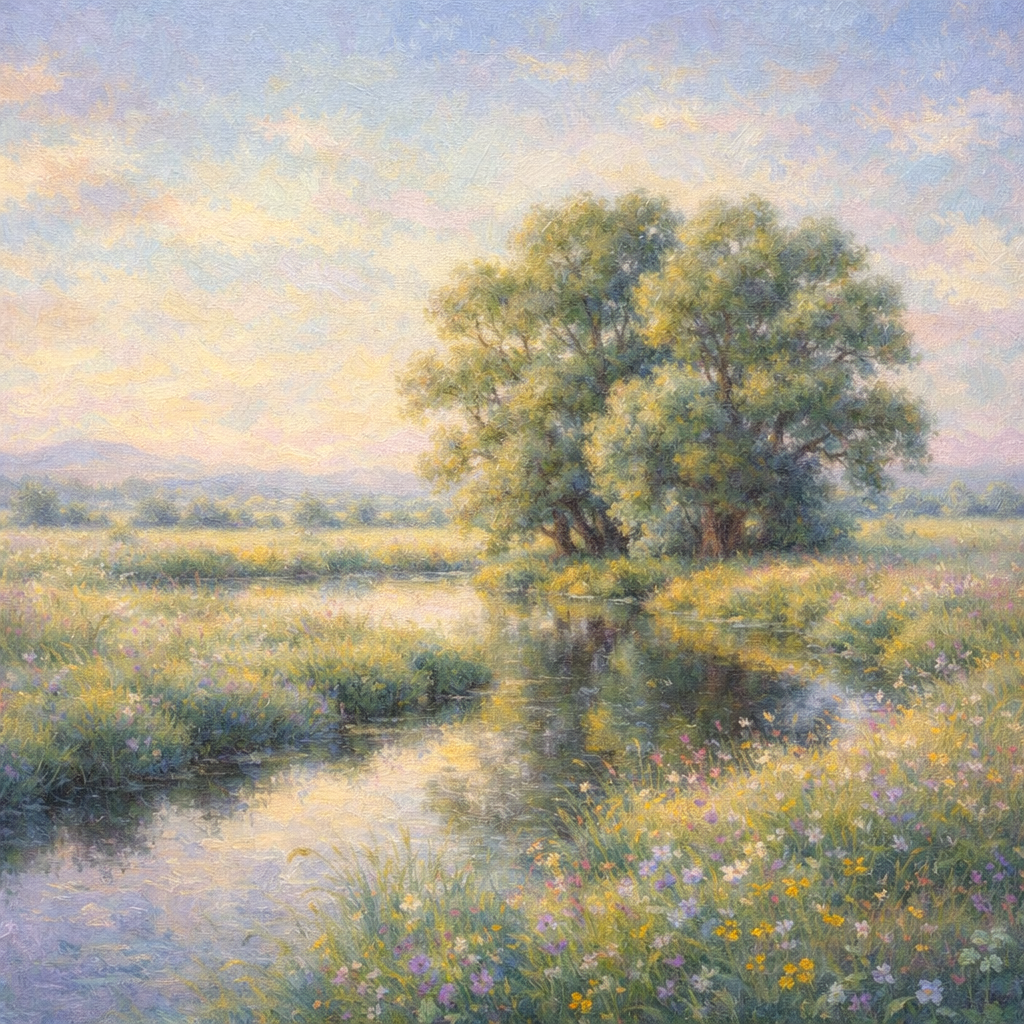
Before-and-after comparisons are still the fastest way to tell whether a tool is creating real painterly change.
4. Judge Speed Against Output Quality
Fast matters, but not if the result is unusable. The best workflow is usually:
- quick enough to test ideas fast
- strong enough that the first usable result does not take endless retries
The sweet spot is a generator that gives you good painterly structure without forcing a long manual cleanup step afterward.
5. Check Whether It Fits Your Actual Use Case
Different users want different results:
- portraits for gifts or profile photos
- pet paintings for prints
- travel photos turned into wall art
- marketing visuals with an artistic look
The best AI oil painting generator is the one that performs well on the type of photo you actually plan to upload.
Questions to Ask Before You Pick a Tool
Use this quick checklist:
- Does it preserve the subject?
- Does it create visible brush texture?
- Does the result feel painterly instead of heavily filtered?
- Does it work well on portraits, pets, and landscapes?
- Can I get a strong result without editing it afterward?
If the answer is "no" to most of these, it is probably not the right tool for this task.
Why a Focused Tool Usually Wins
General image generators can do a lot, but a focused image to oil painting generator usually has one major advantage: it is built around the exact transformation you want.
That makes the workflow simpler:
- upload a photo
- generate the oil painting version
- compare variations
- download the strongest result
For most users, that is a better experience than trying to force a general-purpose tool into a specific oil painting job.
Final Take
The best AI oil painting generator is not the one with the flashiest UI or the broadest feature list. It is the one that reliably turns a normal photo into convincing oil-painting-style artwork while keeping the subject recognizable.
If you want to evaluate one quickly, start with the homepage generator and compare the output against the examples gallery. That gives you a much clearer answer than marketing copy alone.