Photoshop Oil Painting Alternative for Faster Photo-to-Art Results

ImageToOilPainting Team
4/23/2026
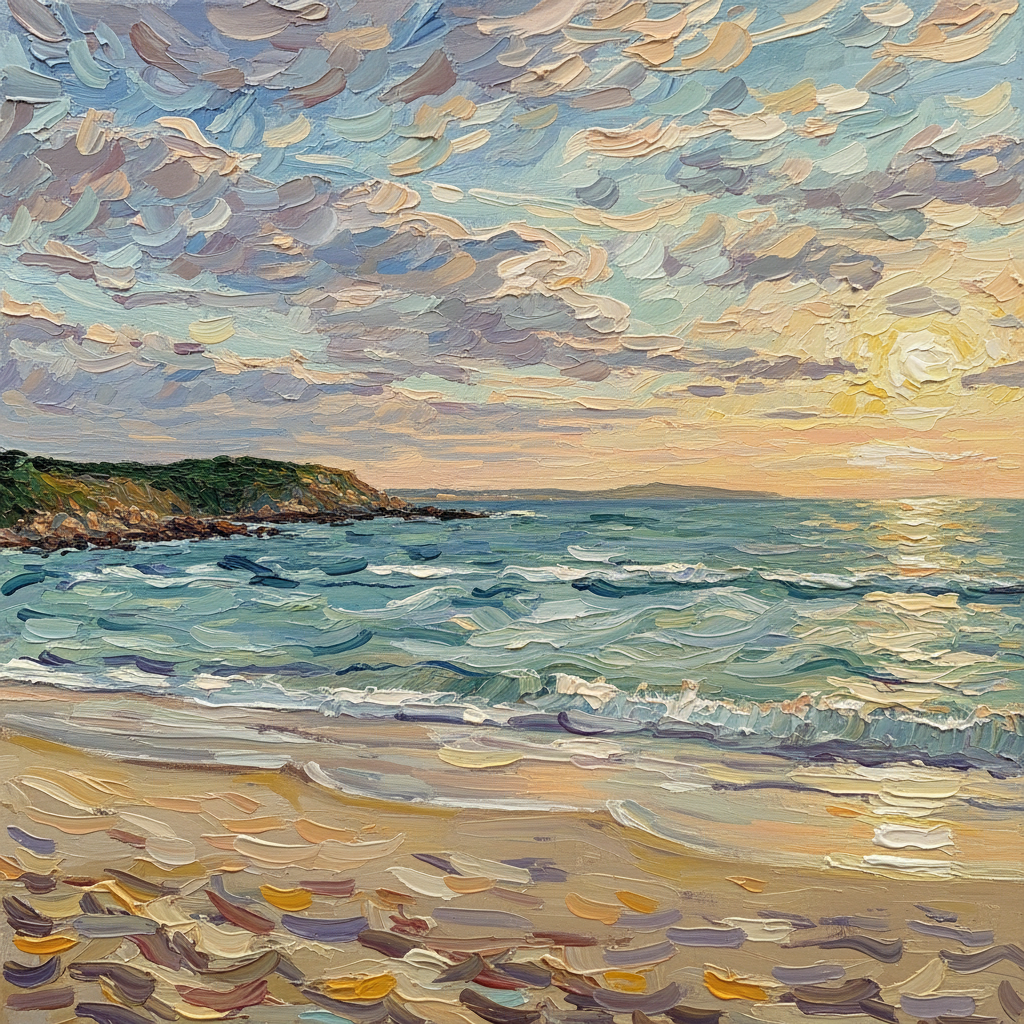
Many people start with the same search: how do I make an image look like an oil painting in Photoshop?
The problem is that the usual Photoshop workflow is slow, manual, and inconsistent. You may need actions, texture overlays, custom brushes, masking, color tuning, and a fair amount of trial and error before the image starts to feel painterly.
If that feels like too much work, the better option is usually to use a dedicated image to oil painting generator instead.
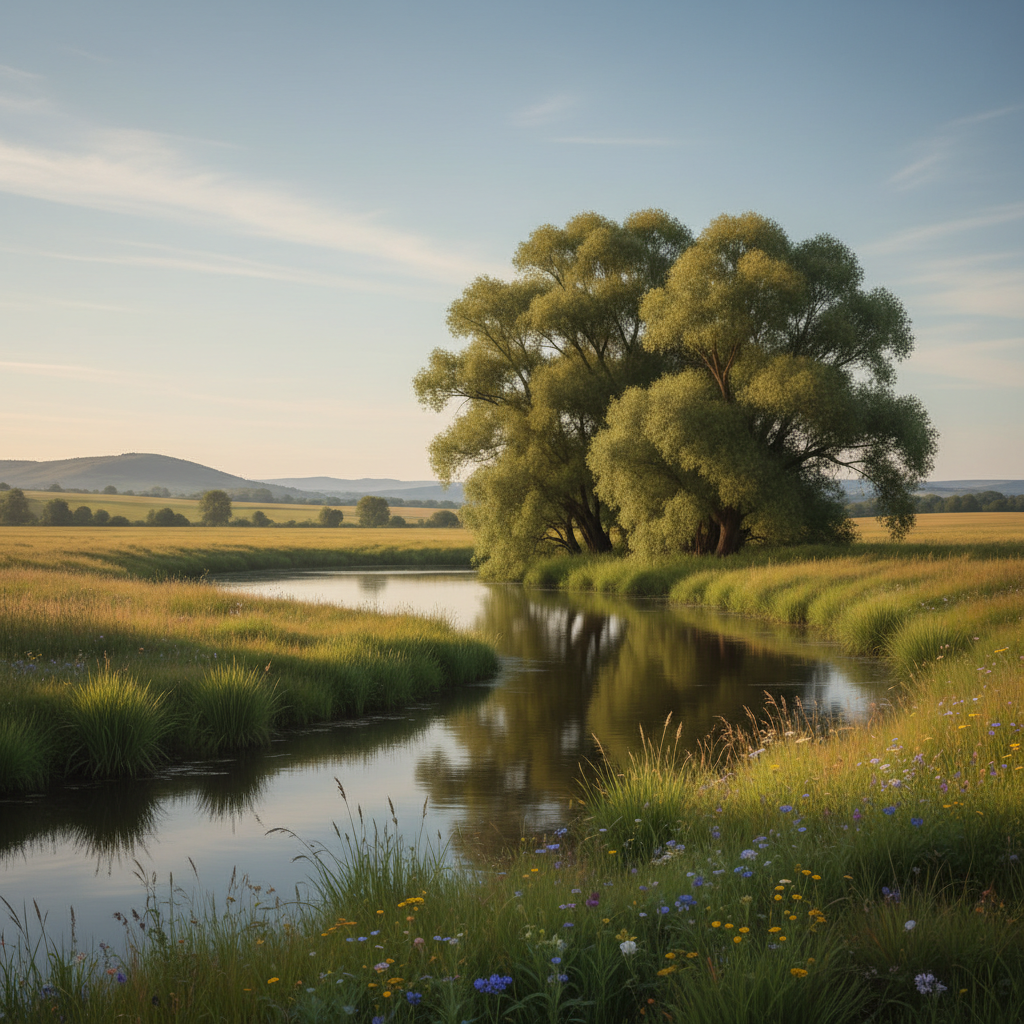
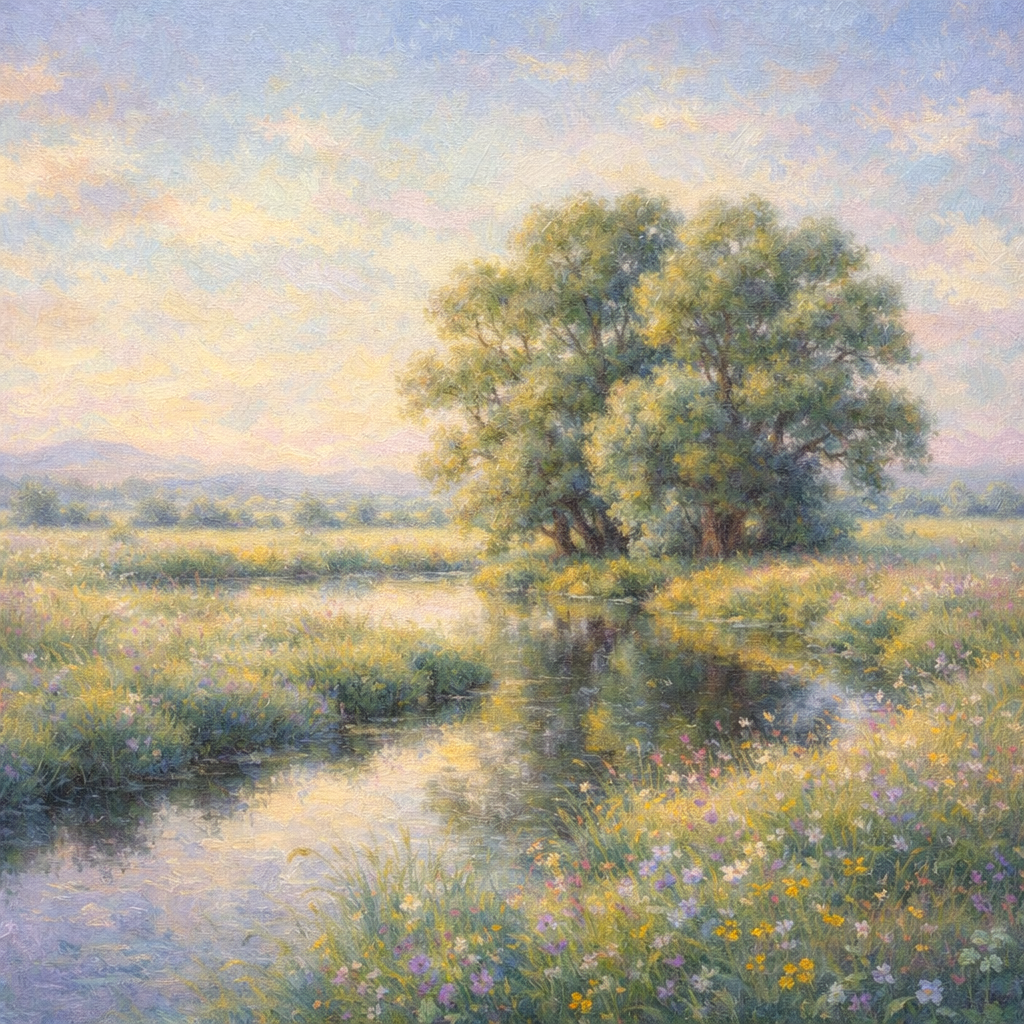
This is the kind of before-and-after result most users want from a faster Photoshop alternative.
Why Photoshop Is Not Ideal for Most People
Photoshop can produce strong art effects, but it asks for more effort than most users actually want to spend.
Typical pain points are:
- too many manual steps
- inconsistent results across different photos
- difficult edge cleanup around hair and faces
- extra time spent tuning texture and color
- output that still looks like a filter instead of a painting
For designers and retouchers, that tradeoff may be fine. For everyone else, it is usually overkill.
What a Better Alternative Should Do
A practical Photoshop alternative should:
- accept a normal photo upload
- generate an oil painting look in one clear flow
- preserve the subject without awkward distortions
- add painterly texture without turning the image muddy
- produce something usable without manual compositing
That is the main reason a focused AI workflow is often better than a general editor for this specific task.
Photoshop Workflow vs AI Oil Painting Workflow
Photoshop
You usually need to:
- duplicate and mask layers
- experiment with filters or custom actions
- tune contrast and color
- add texture
- clean up details manually
- export and repeat if it still looks wrong
Dedicated Oil Painting Tool
You usually just:
- upload the image
- generate the oil painting version
- review one or two variations
- download the best result
That difference is exactly why people search for a Photoshop oil painting alternative in the first place.
When Photoshop Still Makes Sense
Photoshop is still useful when you need:
- layer-level compositing
- detailed print preparation
- manual retouching after generation
- broader design work beyond the oil painting effect itself
But if the job is simply "make this image look like an oil painting," the shortest path is rarely the traditional Photoshop route.
A Faster Alternative That Fits the Search Intent
If your real goal is speed plus a convincing result, the cleaner workflow is:
- Upload a strong source photo.
- Generate an oil painting version in one pass.
- Compare the result with the original.
- Regenerate once if you want a different level of texture or mood.
That is exactly the use case the homepage tool is built for.
Strong brush movement and painterly surface detail usually feel more convincing than a generic filtered look.
Best Photos for This Alternative
The alternative works best on:
- portraits
- couple photos
- pets
- landscapes
- travel shots
It works less well on:
- low-resolution images
- screenshots
- crowded scenes with too many competing subjects
You can check the examples page to get a feel for which inputs translate well into oil painting style.
What Makes the Output Feel Better Than a Filter
A convincing oil painting result usually has:
- visible brush structure
- controlled color blending
- softer photographic detail in the right places
- depth rather than flat smoothing
If a result only adds blur and saturation, it still feels edited. If it adds texture, composition, and painterly light, it starts to feel like artwork.
Final Take
Photoshop is powerful, but it is not the fastest way to make a photo look like an oil painting. For this job, a dedicated alternative is usually better because it removes the manual setup and gets you to a usable result much faster.
If you want a quicker path, use the image to oil painting generator and compare the look with the before-and-after examples. That workflow is simpler, faster, and usually closer to what people actually want when they search for a Photoshop oil painting alternative.